

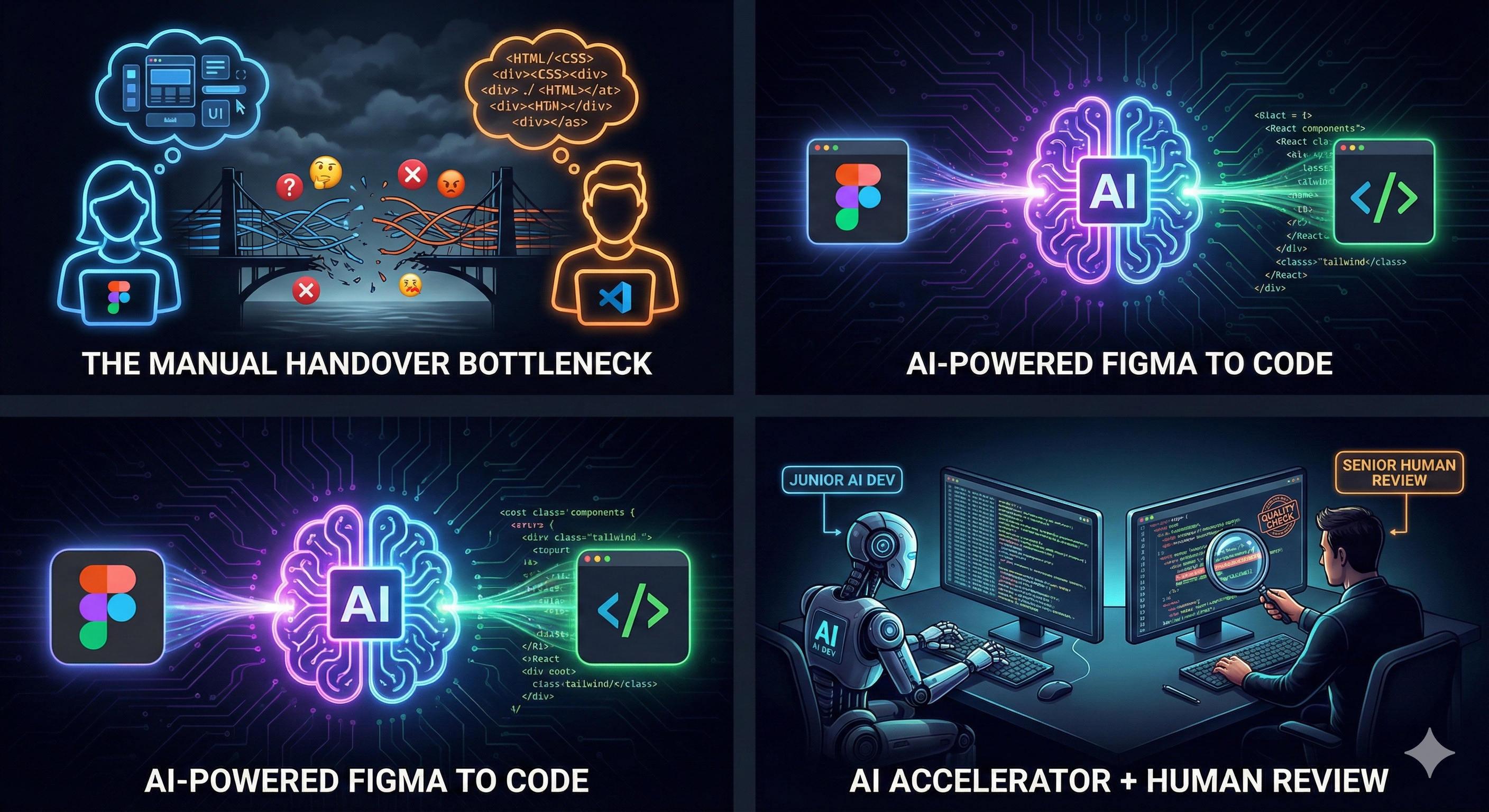
For as long as web development has existed, the "Design-to-Development Handover" has been a friction point. It is the Bermuda Triangle of software building: designers create pixel-perfect visions, and developers spend hours translating rectangles into <div> tags.
But the landscape is shifting. With the rise of Figma to Code AI tools, we are entering a new era where the frontend is generated, not just translated.
Here is how AI is bridging the gap between Figma and production-ready code, and what it means for the future of development.
The Problem with the "Old Way"
Traditionally, the workflow looks like this:
-
Designer creates a UI in Figma.
-
Designer annotates margins, padding, and animations.
-
Developer looks at the design and manually types out HTML/CSS/React.
-
QA finds visual discrepancies.
-
Repeat.
This process is slow, prone to human error, and frankly, a waste of a developer's cognitive load. Developers should be solving logic problems, not measuring pixels.
How "Figma to Code AI" Changes the Game
New tools like Locofy.ai, Anima, and Builder.io are not just exporting CSS. They use Figma to Code AI algorithms to understand intent.
Instead of treating a button as just a rectangle with a hex code background, these AI models recognize it as a <Button> component. They understand that a list of cards is likely a grid that needs to be responsive.
From Image to Component
Modern AI tools can scan a Figma frame and output clean, modular code in React, Vue, Svelte, or simple HTML/Tailwind. They don't just dump a blob of code; they attempt to structure it into reusable components.
Context Awareness
The AI is getting smarter about responsiveness. If you use Auto Layout correctly, Figma to Code AI tools can generate flexbox and grid layouts that actually work across different screen sizes.
Logic Integration
Some tools now allow you to define state and props directly inside Figma. You can tag a button to toggle a specific variable, and the generated code will include the useState and onClick handlers automatically.
The Top Players in the Field
If you want to try this today, here are the tools leading the charge:
-
Builder.io (Visual Copilot): Uses AI to convert Figma designs into code that matches your specific styling (e.g., Tailwind) and framework (Next.js, React).
-
Locofy.ai: Focuses heavily on turning Figma into a real app. It enables you to tag layers for interactivity and exports code that is ready for deployment.
-
Anima: One of the veterans in the space, great for high-fidelity prototyping and converting designs to React/Vue code.
-
v0 by Vercel: While not strictly a plugin, v0 allows you to generate UI code instantly from text prompts or screenshots.
The Reality Check: Is It Perfect?
If you blindly copy-paste output from a Figma to Code AI generator into production, you will end up with "spaghetti code." Common issues include:
-
Accessibility: AI often forgets semantic HTML (using
<div>instead of<article>). -
Naming Conventions: You might get class names like
frame-42-wrapperunless you prompt it correctly. -
Edge Cases: AI assumes the "Happy Path." It doesn't always know how the UI should look when the data is missing.
Think of AI as a Junior Frontend Developer. It types incredibly fast, but a Senior Developer still needs to review the PR, refactor the structure, and hook up the business logic.
How to Prepare Your Workflow
To get the best results from Figma to Code AI, designers and developers need to align:
-
Embrace Auto Layout: If your Figma file is just groups of rectangles, the code will be garbage. Use Auto Layout strictly.
-
Design Systems are Key: If you use a defined Design System, map it to your code components. This helps the AI generate
<PrimaryButton />instead of generic CSS. -
Name Your Layers: AI uses layer names to generate class names. "Rectangle 54" creates bad code. "SubmitButton" creates good code.
Conclusion
The era of manually coding static UI components is drawing to a close. By adopting Figma to Code AI workflows, teams can ship faster and let developers focus on architecture, data flow, and user experience.
The question is no longer if you should use AI for frontend, but how fast you can integrate it into your pipeline.
References
Builder.io (Visual Copilot): https://www.builder.io/c/visual-copilot
Locofy.ai: https://www.locofy.ai/
Anima (Figma to React/Vue): https://www.animaapp.com/figma-to-react
v0 by Vercel: https://v0.dev/
Figma Auto Layout Official Guide: https://help.figma.com/hc/en-us/articles/360040451373-Explore-auto-layout-properties
Thinking in React (React Docs): https://react.dev/learn/thinking-in-react
Ready to get started?
Contact IVC for a free consultation and discover how we can help your business grow online.


